The kidding calendar that lives in your pocket, not on the barn wall.
Kid Watch turns a breeding date into a day-by-day plan for every doe: heat watch, preg check, dry-off, kid watch. One line per doe. Works with no signal. Built and used on a working Grade A dairy goat farm in Hunt County, Texas.
Installs on your phone, tablet, or laptop. One subscription covers all of them.
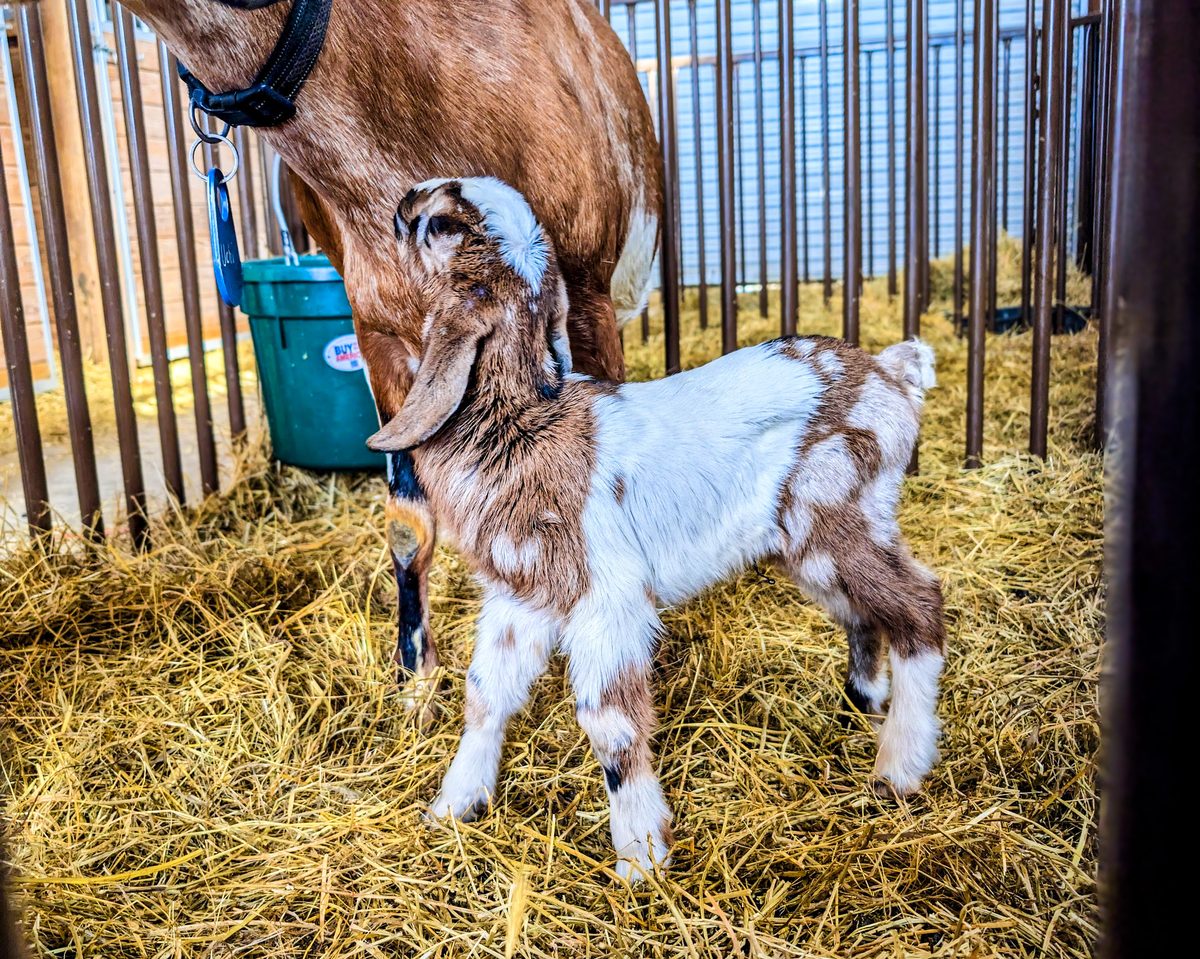
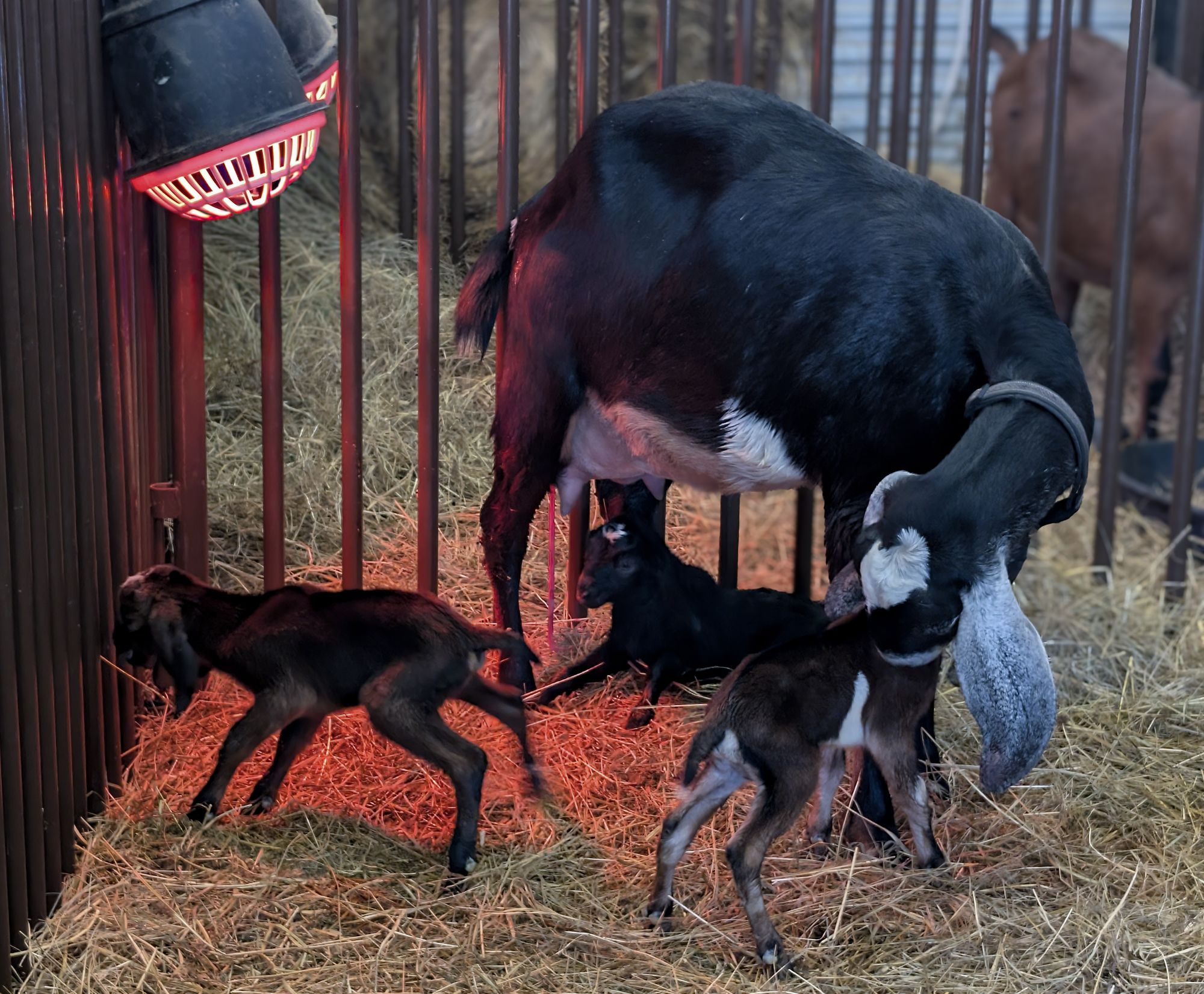 Kidding barn · Whey Cool Ranch
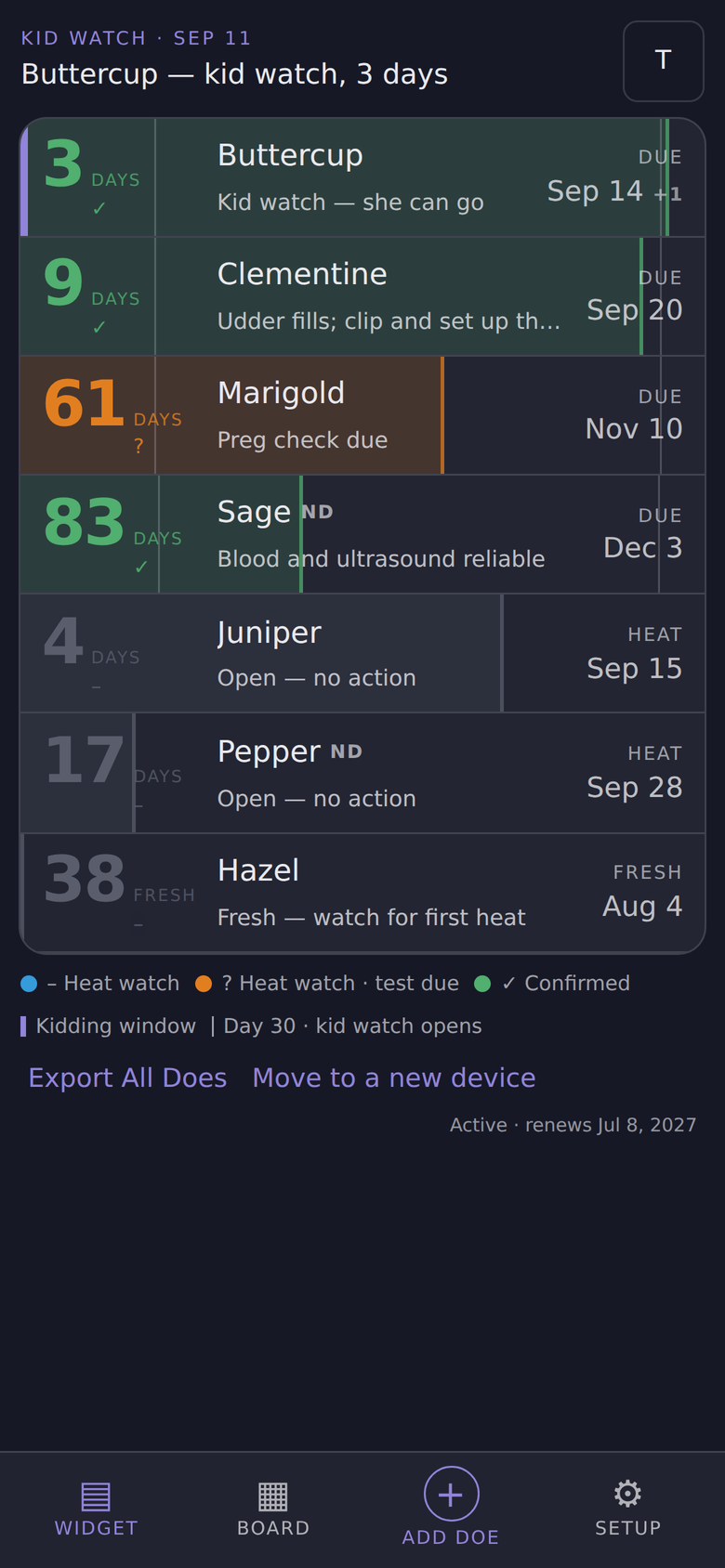
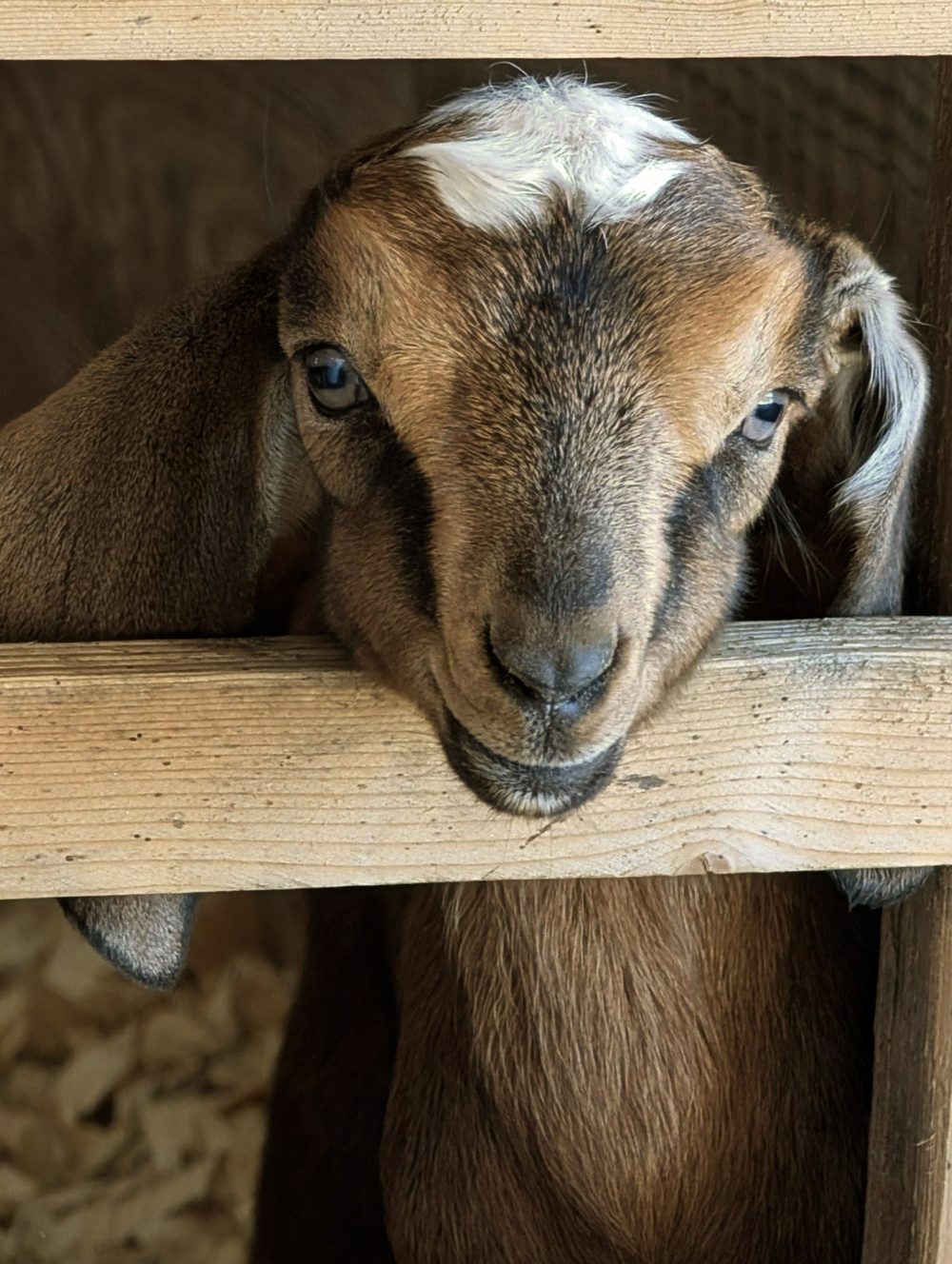
I’m still working on the full herd management suite, but right now I need to know who is due, when, and what the next steps are for each doe in the herd.
Kidding season doesn’t care whether you have signal in the barn or a spare hand for a spreadsheet. Every doe has a date she was bred, and from that date the whole season is already written: when a heat check still matters, when a blood test will actually tell you something, when to dry her off, when to start sleeping with one ear open.
Kid Watch does that math once and keeps it in front of you. Open it in the barn aisle and the doe who needs you today is at the top. That’s the whole idea. It’s the tool I wanted for my own herd, so I built it, and I run my does on it.
 Meg, Whey Cool RanchNubian dairy goats · Est. 2023
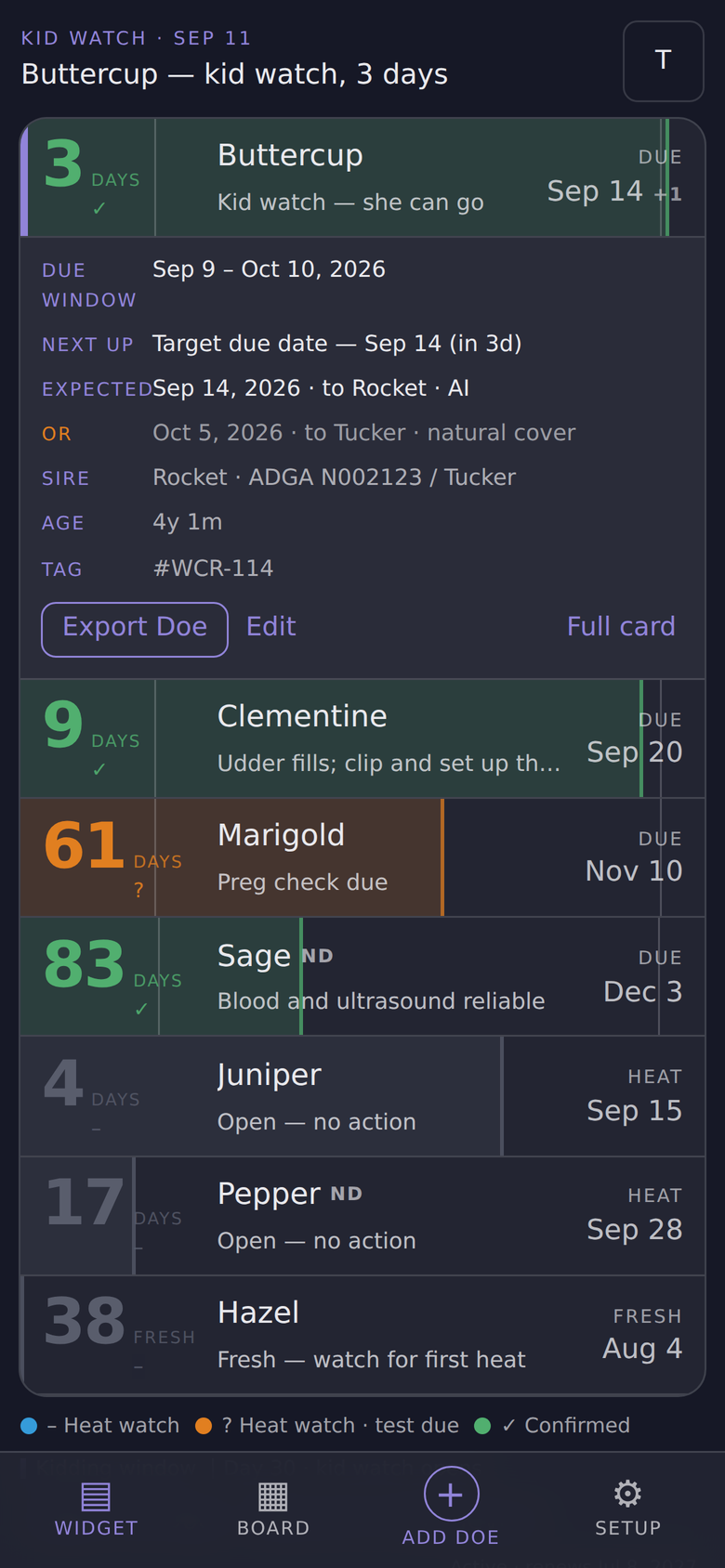
One line per doe. Everything you need to know.
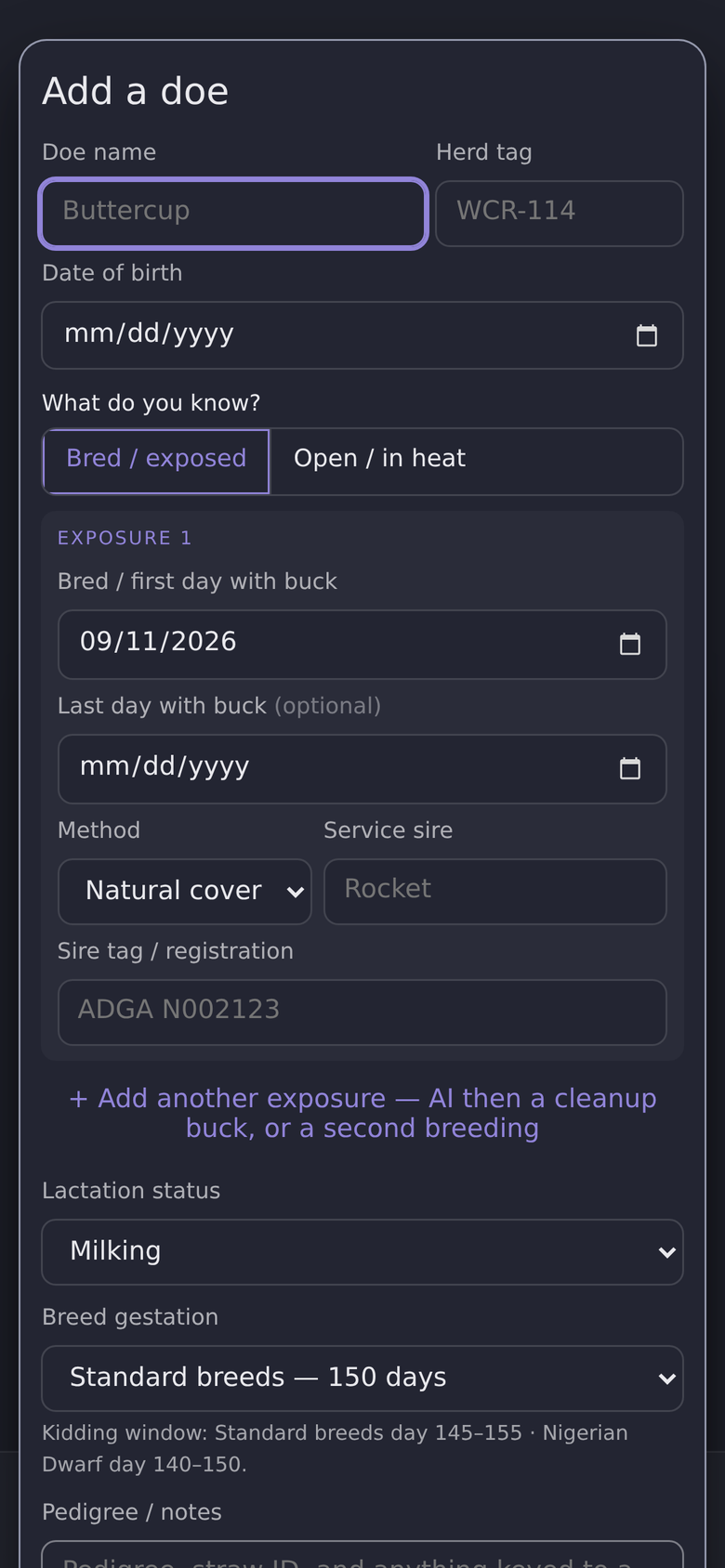
Enter a doe once: her name, how she was bred, and the date. Add your specific pre-kidding protocols in Setup. Kid Watch does the rest and sorts the herd so whoever is closest sits on top.
- 1Days until she mattersCountdown to her due date, next heat, or days fresh, with a mark for confirmed, heat watch, or test due.
- 2What to do about itPlain-language guidance for today: “Kid watch — she can go”, “Preg check due”, “Open — no action”.
- 3The date that mattersTarget due date for bred does, next expected heat for open ones, freshening date for does in milk.
- 4Tap for the full cardEvery expected date if she had more than one exposure, sire, age, tag, kidding history, and a one-tap calendar export.
 1
2
3
4
1
2
3
4
Every doe walks the same arc. Kid Watch tells you where she is on it.
From the day she’s bred, the milestones are already on the calendar. These are the defaults Kid Watch ships with. Change any of them in Setup to match your own protocol.
- Day0BredSingle date, a date range with the buck, or “last heat” for an open doe.
- Day21Heat-watch window closesIf she hasn’t cycled back, you’re probably in business.
- Day30Blood and ultrasound reliableKid Watch flags her “test due” until you mark her confirmed.
- Day90Fetal growth acceleratesStep up her ration. The stage guide follows the kids’ development.
- Day100Dry-off window opensFor milkers only. Dry does skip straight ahead.
- Day145Kid watchDue window opens. Target day 150, late by 155, all shown on the card.
AI’d her, then turned in a cleanup buck? Log both exposures. Each gets its own expected date on her card, and when she kids the record says which breeding took. Nigerian Dwarfs run about five days shorter. Mark a doe as one when you add her and her window moves to days 140–150, target 145; everything else follows. After she kids, log it on her card and Kid Watch closes the pregnancy, starts her days-in-milk count, and watches for the first heat. Losses have a home too: aborted, absorbed, and returned-to-heat are recorded in her history, not lost in a notes field.
-
Installs like an app
Add it to your home screen on iPhone, Android, or a laptop. It opens full-screen, no browser bar, no app store.
-
Works with no signal
Your herd loads from the device itself. The barn can be a dead zone and Kid Watch still opens instantly.
-
Your herd stays yours
Records live on your device. Cloud backup is encrypted and tied to your subscription, so only your devices can read it.
-
Straight into your calendar
Export one doe’s heat and due-window alarms, or the whole herd’s season, as a calendar file that Google, Apple, and Outlook all open.
-
A backup you can hold
Download a full herd backup file whenever you like, and restore it on any device from Setup. No lock-in.
-
A history that adds up
Freshening count, kids per kidding, gestation length, and loss records travel with each doe from season to season.
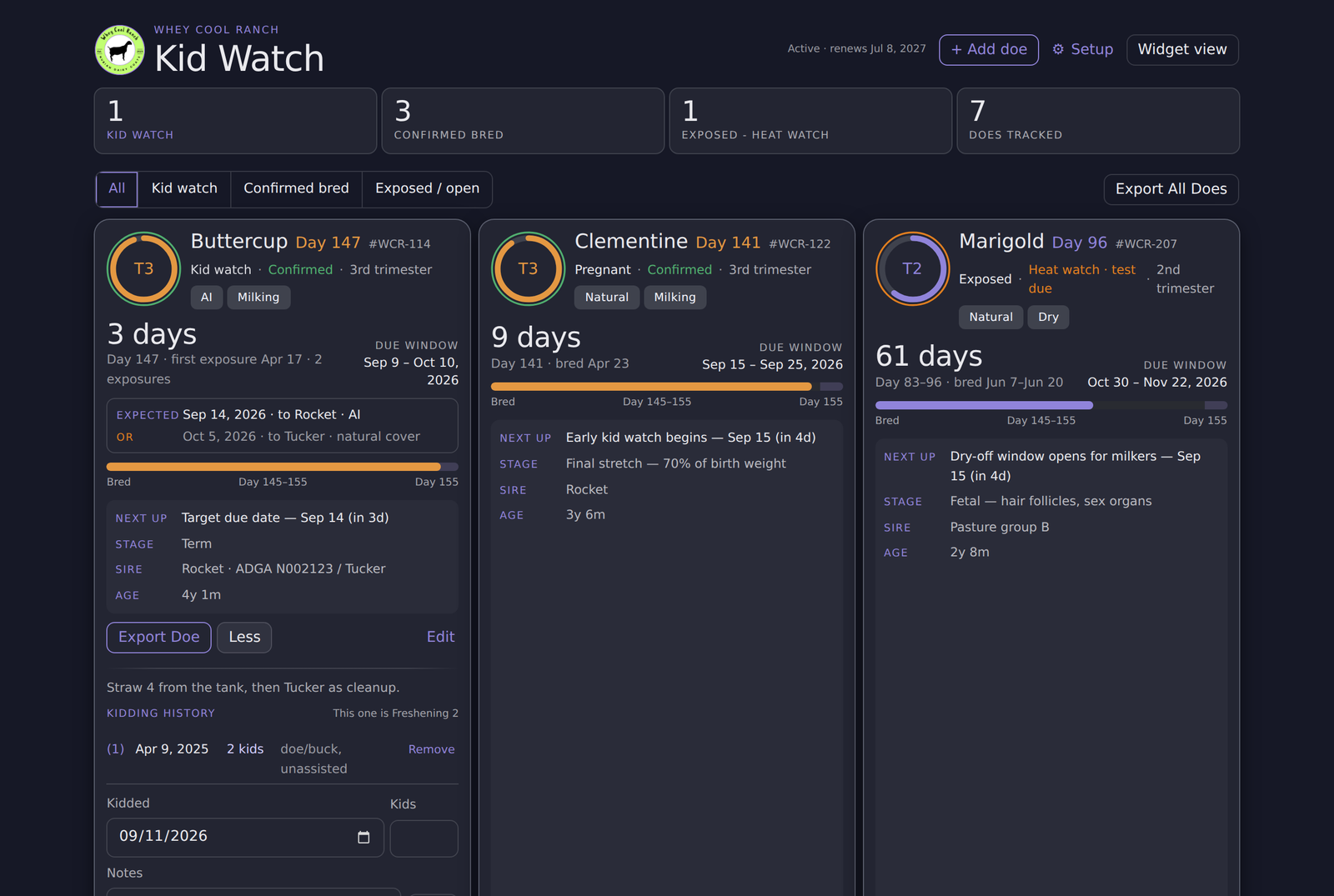
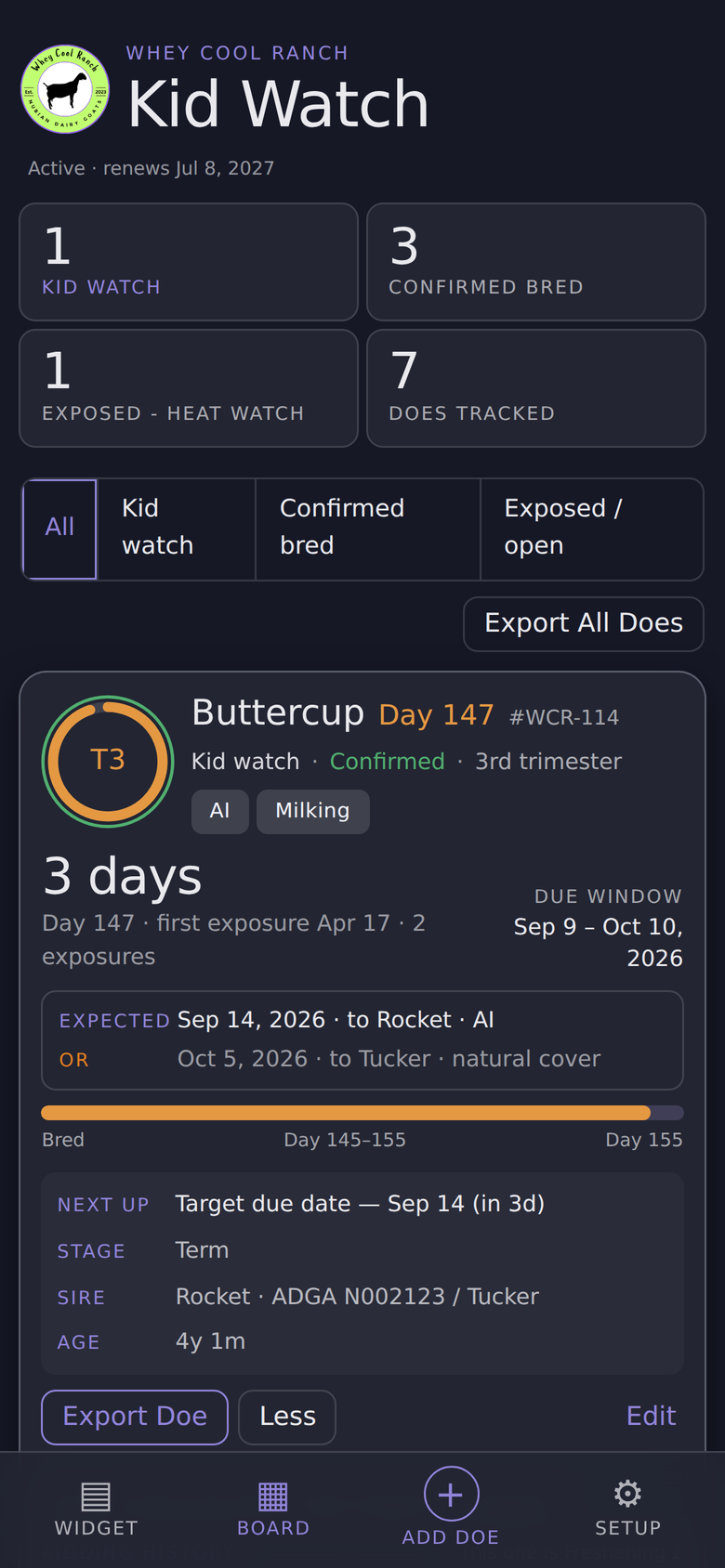
Two views. Same herd.
Quick views in the barn aisle, full board for the laptop when you’ve finally found some time to sit down.
One price. Every doe, every device.
No per-head fees, no tiers, no upsell. Try it free for a week with your own herd, and cancel from inside the app any time.
- 7-day free trial with your real herd
- Unlimited does, unlimited devices
- Offline widget and board, calendar export, downloadable herd backup
- Encrypted cloud backup for moving to a new phone
- Cancel any time from Setup. Your backup file goes with you.
A card is required to start the trial. Nothing is charged until the trial ends, and you can cancel before then.